

How to Use for Camping IR Night Vision Binoculars for Family Camping?

Quick Answer
Use IR night vision binoculars for family camping only while stopped in a safe, stable place. During daylight, identify landmarks around the campsite. After dark, lower the screen brightness, focus on a known object, and add the minimum IR needed. Adults should control the device and supervise children. Keep a normal flashlight or headlamp for walking. Night vision can support wildlife observation and perimeter checks, but it should not replace lighting, navigation, or camp safety.
Key Takeaways
- Set family rules before dark: where viewing is allowed and who holds the device.
- Use night vision while stationary, never while walking near roads, water, fires, or uneven ground.
- Start with ambient light and low IR to avoid glare from tents and branches.
- Keep sessions short and avoid disturbing animals.
- Choose clear controls, moderate magnification, practical power, and documented weather protection.
Feature Focus: Image Clarity Without Excessive Brightness
A clear night image begins with focus, not maximum IR. Adjust the display or eyepiece for the user’s eyesight, then focus the objective on a fixed landmark. If the image remains dark, raise IR one step. If the foreground turns white and the distance disappears, reduce IR or move away from nearby reflective objects.
Screen brightness and image brightness are different. A very bright screen can feel impressive but reduce night adaptation and eye comfort. Use the lowest readable display level. Digital zoom may enlarge the subject, but it cannot add detail that the lens and sensor did not capture.
Definition: What Digital IR Binoculars Are
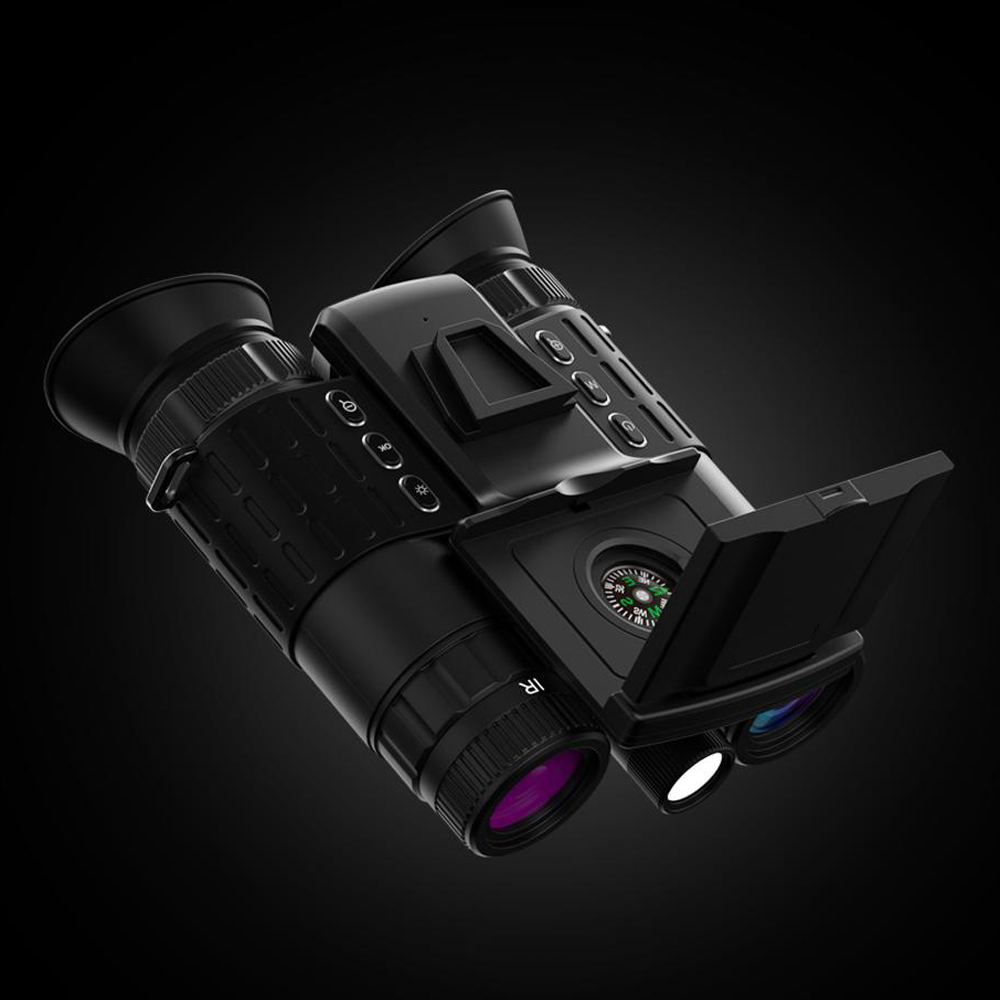
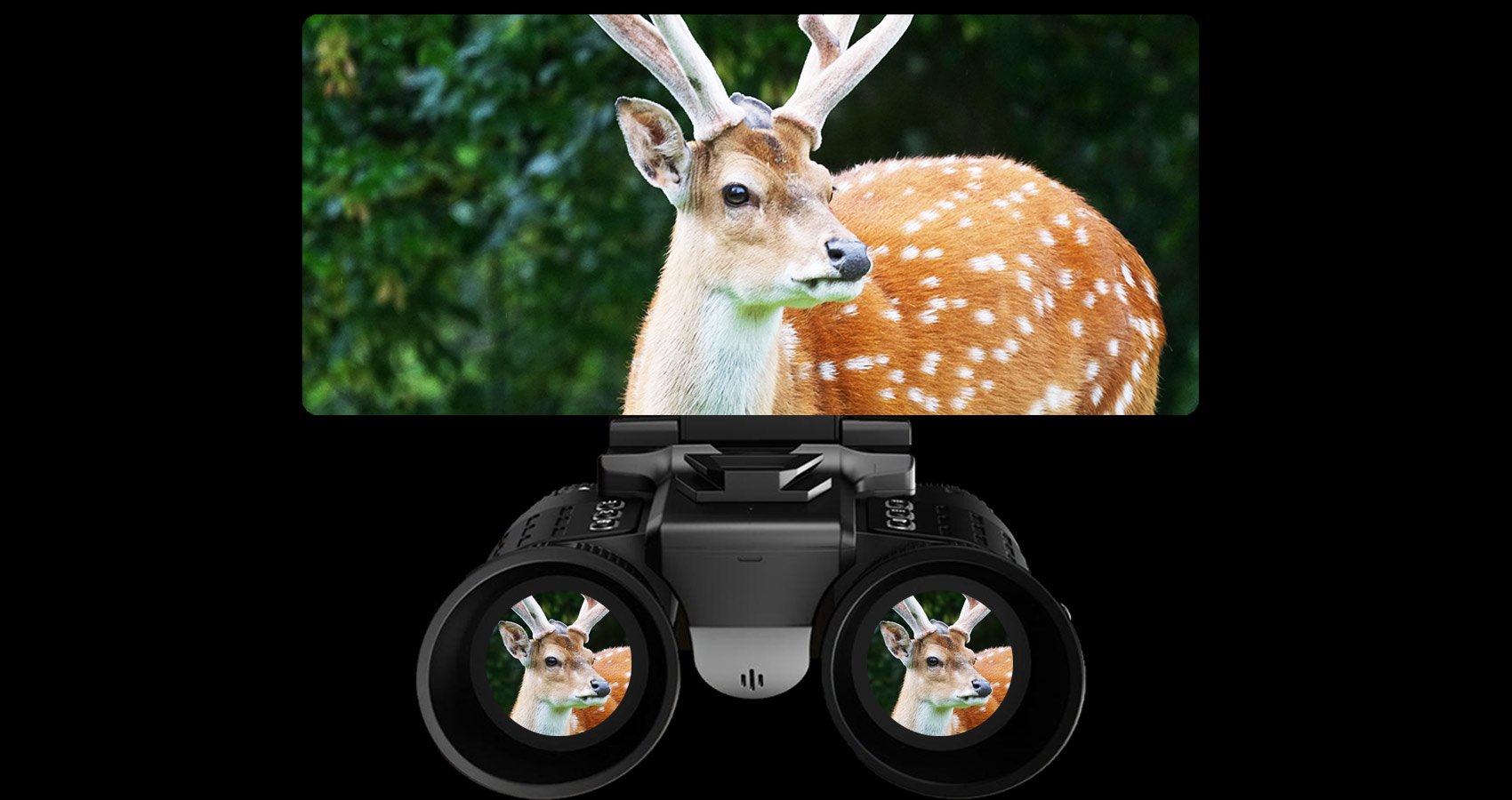
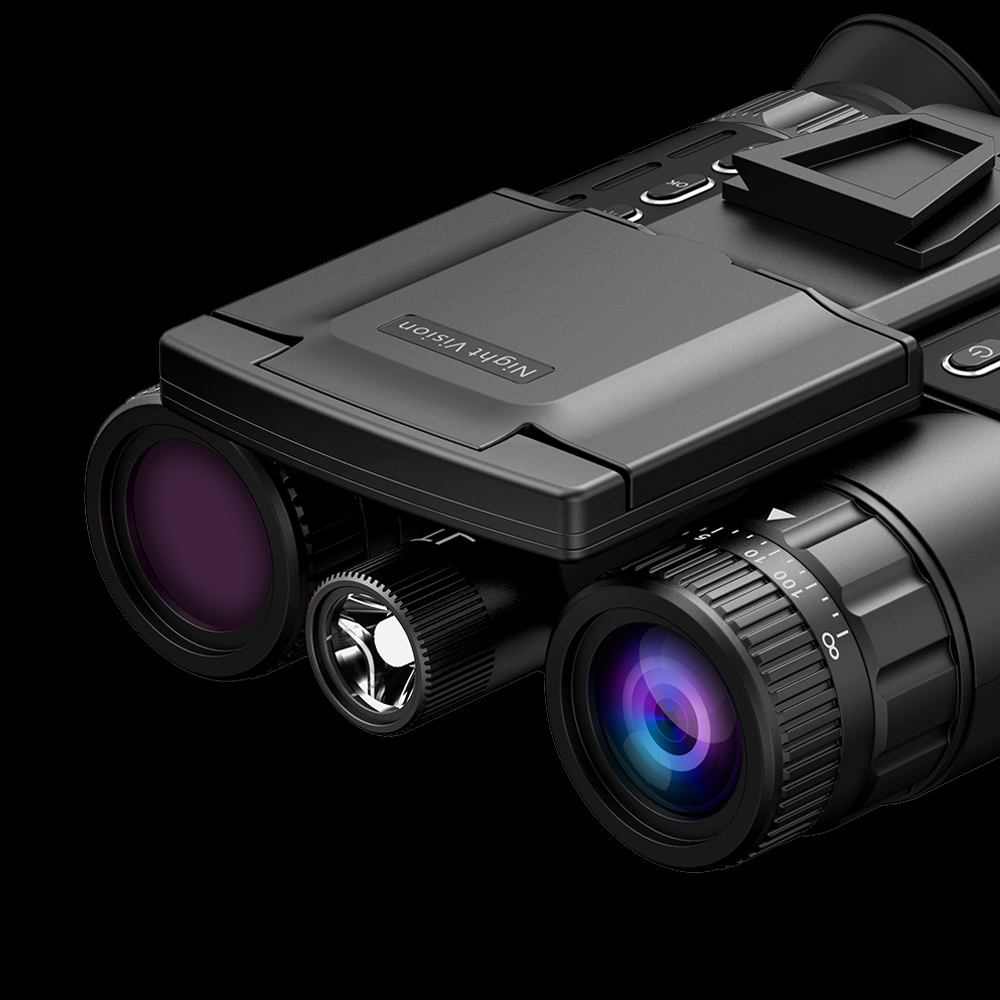
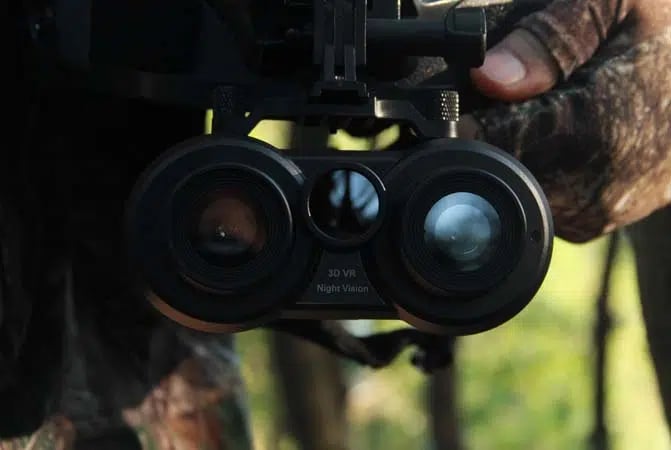
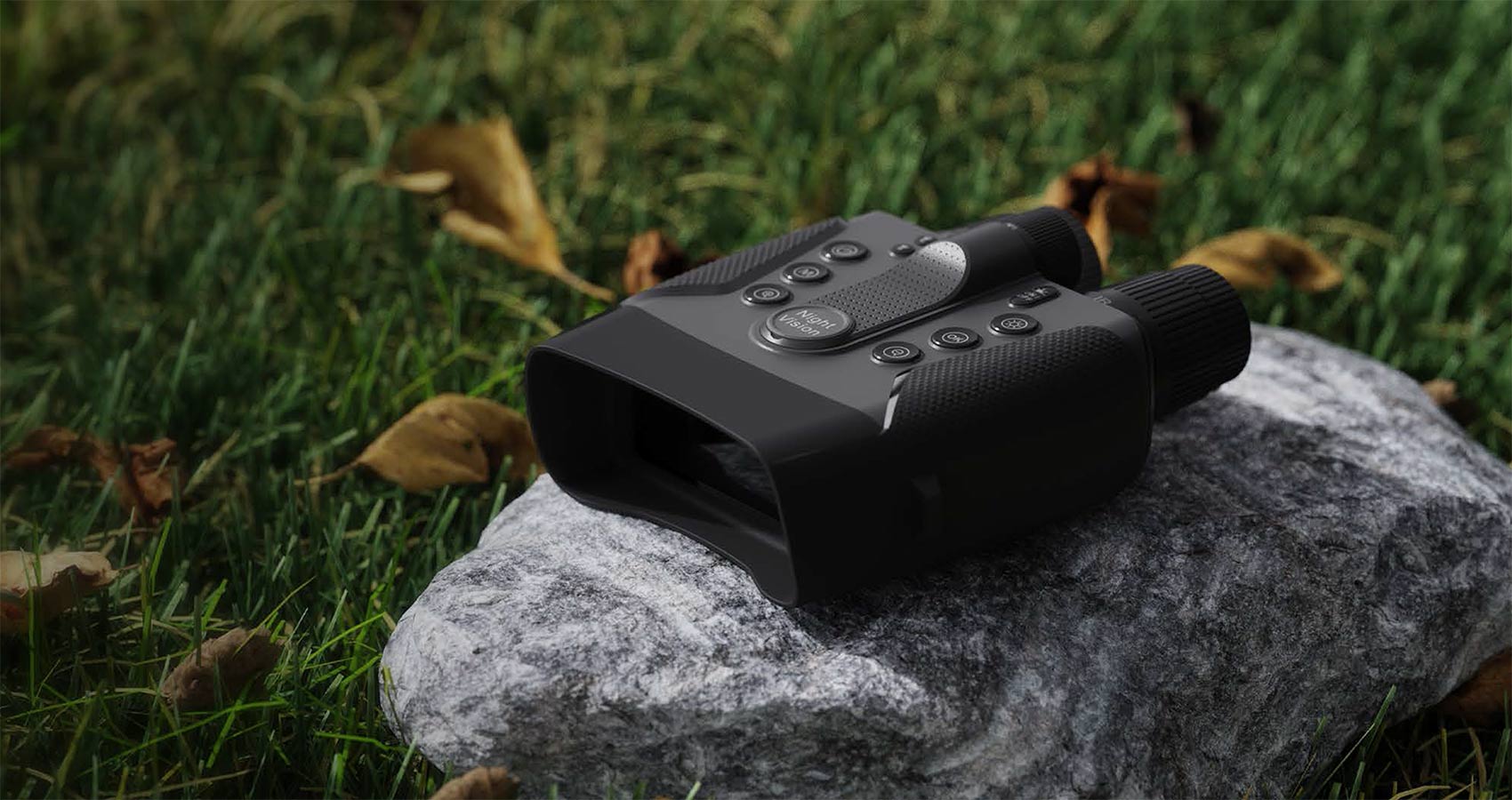
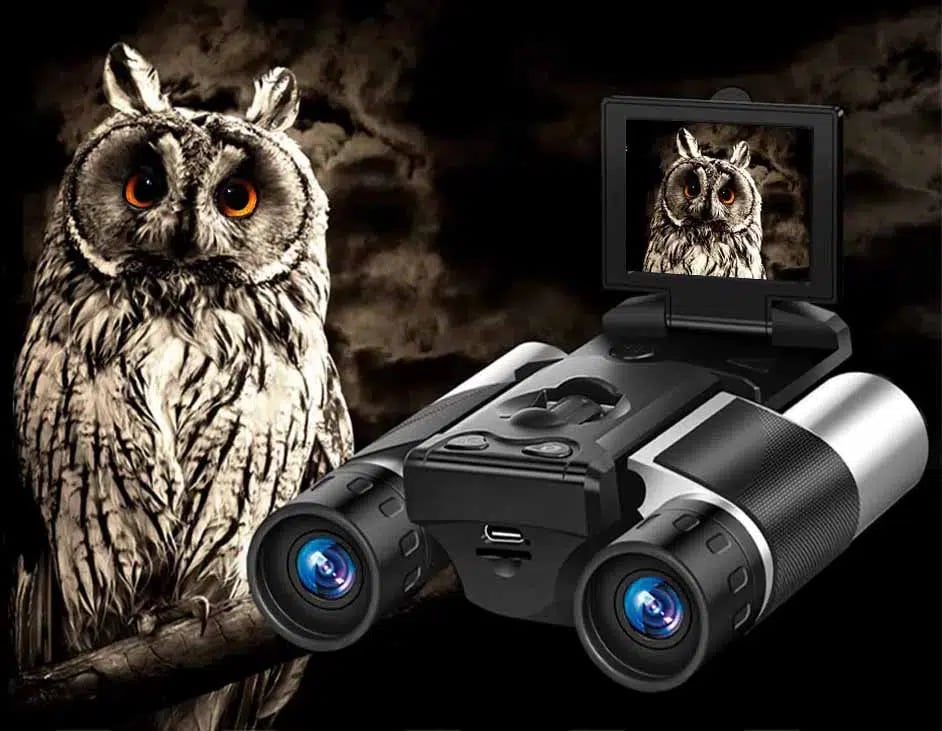
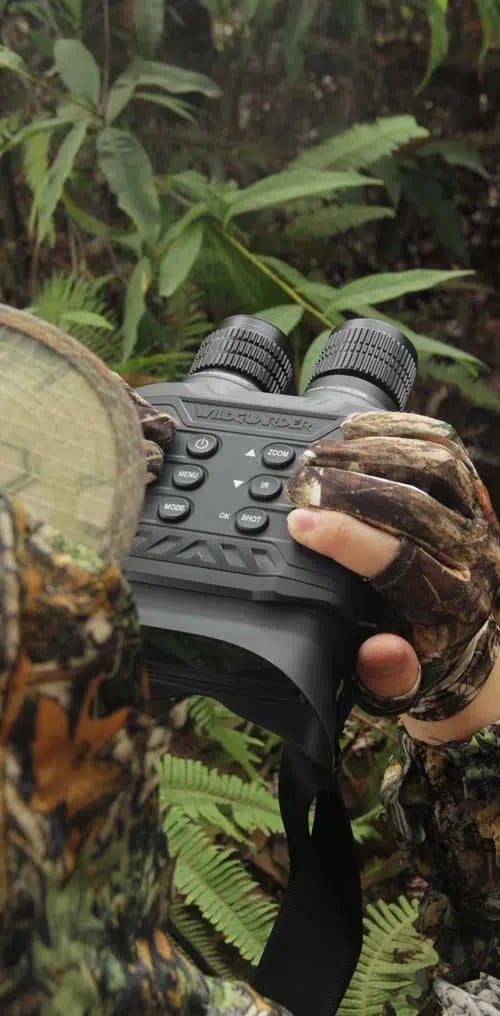
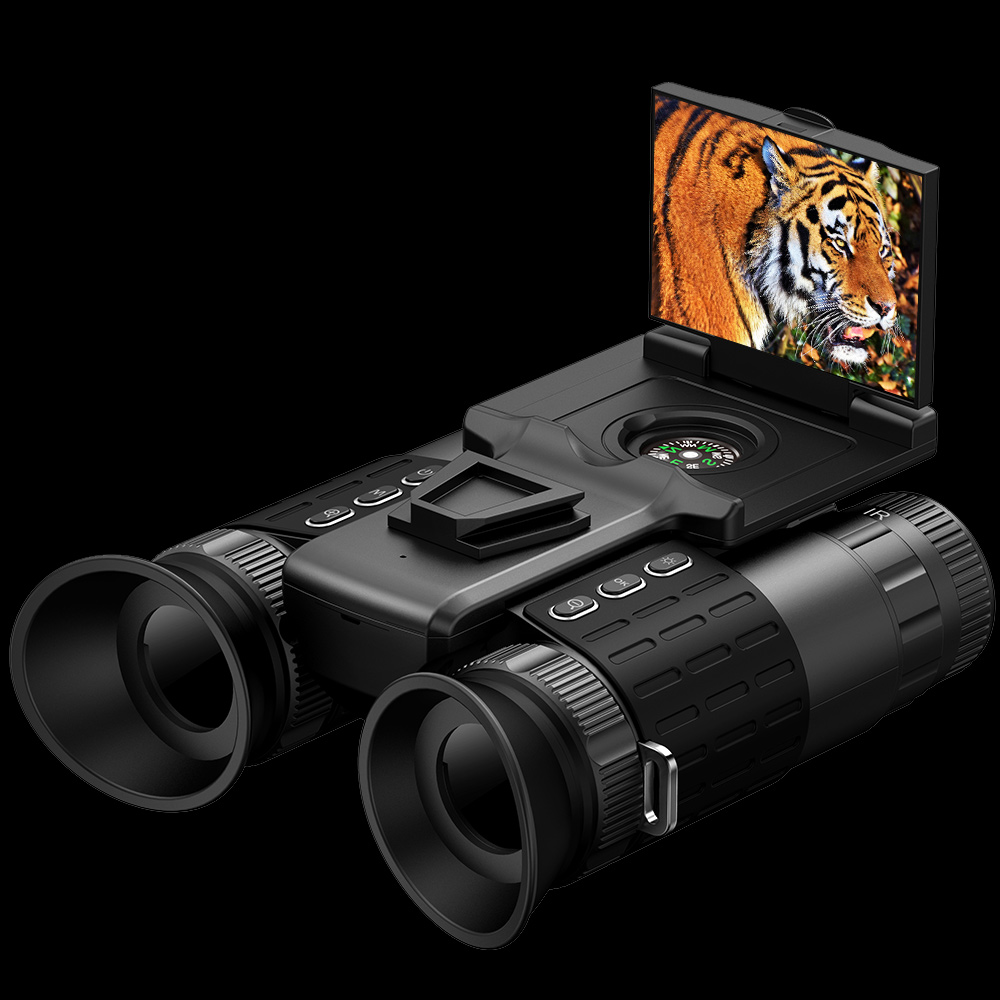
Most consumer digital night vision binoculars use an objective lens, camera sensor, processor, internal screen, and infrared illuminator. They may look like optical binoculars, but users see an electronic image rather than a direct optical path.
NASA explains how near-infrared energy sits beyond visible light. The illuminator sends that energy into a dark scene, and a compatible sensor records the reflection. Thermal imaging is different because it responds to emitted heat contrast.
Family Camping Setup Before Sunset
Walk the campsite in daylight. Mark the tent area, path to restrooms, fire ring, food storage, vehicle, shoreline, and boundaries. Select one or two safe viewing positions away from traffic and edges. Establish that the binoculars are used only from those points.
Explain that the device is not a toy, a driving aid, or permission to approach animals. Use a neck strap only if it fits securely and is appropriate for the user. Keep batteries, charging cables, and memory cards under adult control.
Performance Factor Table
| Factor | Family-camping effect | Good practice |
|---|---|---|
| Tent fabric and branches | Reflect IR and hide the background. | Use a clear viewing lane. |
| Screen brightness | Can spoil dark adaptation. | Use the lowest comfortable setting. |
| Magnification | Narrows awareness and amplifies shake. | Remain seated or braced. |
| Battery level | IR and recording increase drain. | Charge early and keep approved reserves. |
| Weather | Dew and rain affect electronics and clarity. | Verify rating and dry before storage. |
| Wildlife response | Close approach changes behavior. | Maintain distance and end the session if disturbed. |
A Safe Viewing Routine
- Stop at the designated viewing point and check footing with normal light.
- Lower or switch off the normal light only when everyone is settled.
- Set the binocular screen to low brightness.
- Focus on a known landmark.
- Try ambient-light mode, then add IR gradually.
- Scan near ground, campsite edge, and distant background in that order.
- Lower the device between short scans to restore awareness.
- Use a headlamp again before anyone moves.
The National Park Service recommends keeping distance and avoiding changes to wildlife behavior. Do not use food, calls, repeated light, or pursuit to create a closer viewing opportunity.
Buying and Sourcing Context
For family use, choose controls that an adult can operate without navigating complex menus. Check low screen settings, moderate magnification, a secure grip, strap attachment, objective focus, adjustable IR, battery status, weather protection, and an easy way to stop recording or wireless functions.
Ask whether resolution refers to the sensor, internal display, saved video, or interpolated photos. Verify the range target and conditions. Confirm the exact battery, charger, memory-card limit, ingress rating, warranty, and return terms.
Current WildGuarder Product Paths
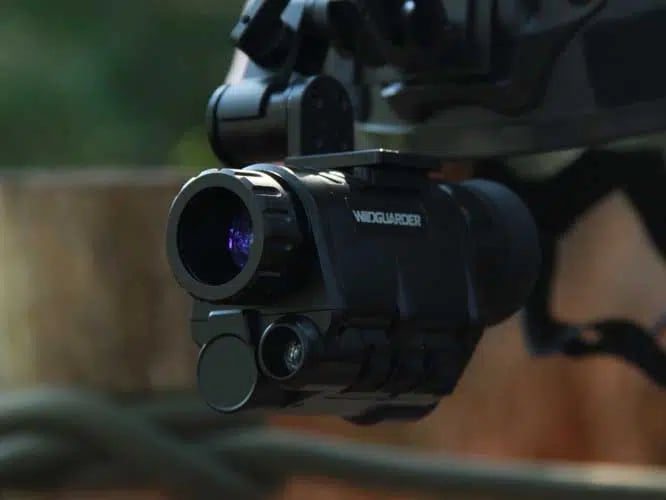
The WildGuarder night vision binoculars category lists current choices. The WG9100 Pro listing combines a dual-display night viewer with a rangefinder, while the WG9163 listing presents a large-screen night viewer with rangefinding and recording features. Verify live specifications and decide whether the extra measurement features simplify or complicate family use.
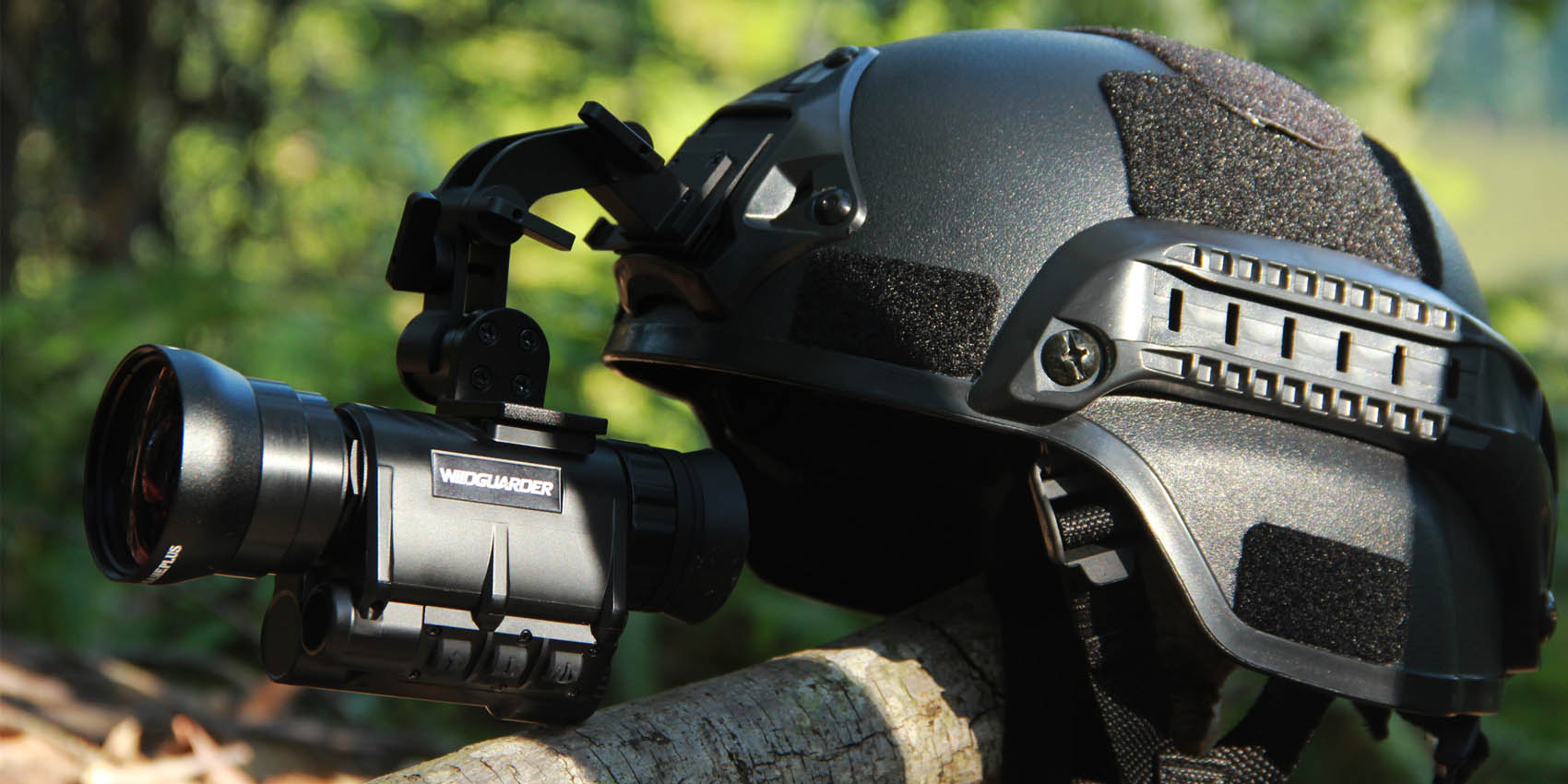
Consult WildGuarder product support for current instructions and review the return policy before testing at home. WildGuarder also offers goggles, monoculars, range finders, thermal imagers, trail cameras, and solar accessories. A trail camera is more appropriate for unattended monitoring, while a solar kit supports only compatible equipment.
A 20-Minute Practice Session at Home
Practice before the trip in a fenced yard or another permitted familiar space. Spend five minutes identifying controls in normal light. Then lower the screen brightness, focus on two known distances, and test IR from low to high. An adult should be able to stop recording, switch IR off, and lower the device without looking at the buttons.
Use the next five minutes to teach the family routine. One person observes while another keeps normal awareness. The observer names the landmark before raising the device and lowers it before changing position. Children can describe what they see while an adult holds the unit or remains within immediate control.
Finish by checking battery use, memory space, strap security, and any warm components. Pack the device, approved charger, cleaning cloth, and manual together. Keep loose batteries in individual protective cases. This short rehearsal prevents the campsite from becoming the first time anyone discovers a confusing menu or incorrect focus sequence.
What Not to Do
Do not point the viewer toward roads, occupied campsites, private areas, or people who have not agreed to recording. Do not look at the sun. Do not use the device while driving, boating, or walking near water and fire. Do not let children handle batteries, chargers, or laser-rangefinding functions without direct adult control.
If a model includes a laser rangefinder, follow the exact safety instructions and local rules. The rangefinder is a separate function from IR illumination and should never be treated as a toy or aimed at people, vehicles, or aircraft.
FAQ
Can night vision binoculars be useful on family camping trips?
Yes. Families can use them for short supervised wildlife observations, identifying sounds near camp, or looking at a distant shoreline from a safe position. They should not be used while walking or to approach animals.
Can I use night vision binoculars without IR under starlight?
A sensitive sensor may work under moonlight or starlight in an open area. Results vary with cloud cover, tree canopy, lens, and sensor. True darkness generally requires IR illumination.
Can I adjust the IR beam on night vision binoculars?
Many models offer several IR levels, and some vary beam intensity rather than beam width. Check the exact manual. Start low and increase gradually to avoid foreground glare and unnecessary battery drain.
What are digital night vision binoculars?
They are electronic imaging devices that use a lens, sensor, processor, display, and often infrared illumination. Unlike regular binoculars, the observer looks at a screen-generated image.
Why do some night vision binoculars switch automatically between color and monochrome?
Color requires enough visible ambient light. As light falls, the device may switch to monochrome because IR information produces clearer contrast without inventing color. The behavior varies by model and mode.
What does ‘starlight sensor’ mean on digital night vision binoculars?
It is a broad marketing term for a sensor intended to operate in very low ambient light. It does not guarantee zero-light color or a fixed range. Ask for examples with stated lighting and IR settings.
Which specifications matter least when shopping for digital night vision binoculars for camping?
Extreme digital zoom, huge interpolated photo resolution, and vague maximum range often matter less than focus, screen comfort, adjustable IR, practical battery life, weather protection, and simple controls.
What compromises should I expect from cheaper digital night vision binoculars for camping?
Lower-priced models may compromise sensor sensitivity, display clarity, sealing, battery endurance, exposure control, or support. They can still work for nearby supervised observation if tested against the family’s real distances.
Conclusion
IR night vision binoculars can add a memorable family-camping activity when the routine is built around safety. Set viewing points before dark, keep adults in control, use normal light for movement, and observe wildlife from a distance. Choose clear controls and verifiable specifications, then practice at home before relying on the device outdoors.
Related Reading
- How to Use Goggles Night Vision for Backcountry Camping
- Night Goggles Vision vs Night Vision Monoculars: Which Is Better for Backcountry Camping?
- How to Choose Monoculars for Backcountry Camping
- Monocular Night Vision: Real-World IR Range for Backcountry Camping
- How Long Night Vision Binos for Cabin Security?
- Night Vision Binocular IR Range Explained: How to Read Real-World Limits
- Understanding Night Sight Binoculars: What to Look For Before You Buy
- Binoculars and Night Vision Value Guide: Features That Matter Most
- How to Choose Best Binoculars with Camera for Camping
- Binoculars with Night Vision Explained: What It Means and How to Choose